Deals-> what they are and how to add them
In Fintesk, the ongoing transaction you’re pursuing with a person or organization is tracked as a deal, and processed through the stages of your pipeline until it's either WON or LOST.
Note: The number of open deals you can have depends on which plan you’re on. You can learn more about usage limits in this article.
For a great illustration of the relationship between your contacts and deals, check out this article about Fintesk’s data organization.
The deal detail view
Clicking on a deal opens its detail view, where you can see any linked contacts, products, or activities.
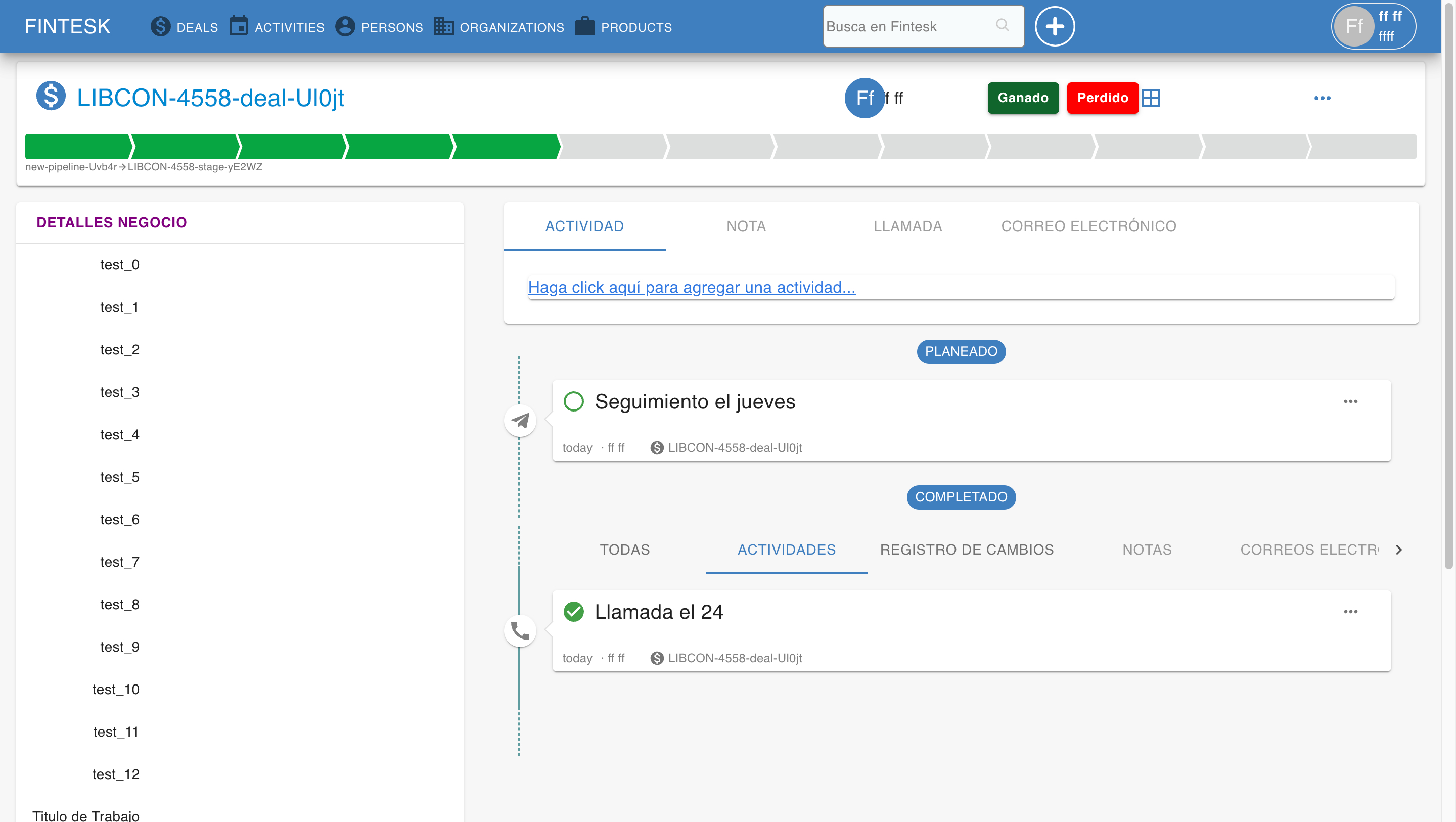
Here are a few things to keep in mind about deals:
- Deals can be linked to a person, or organization. Any changes made to a linked item are also reflected in the deal.
- Activities and products can both be linked to a deal.
- Deals track all events and movements that take place throughout your sales process (or any process involved).
- Deals can be imported from a CSV or XLS file.
Adding one deal at a time
There are a variety of ways you can add a new deal to your Fintesk account.
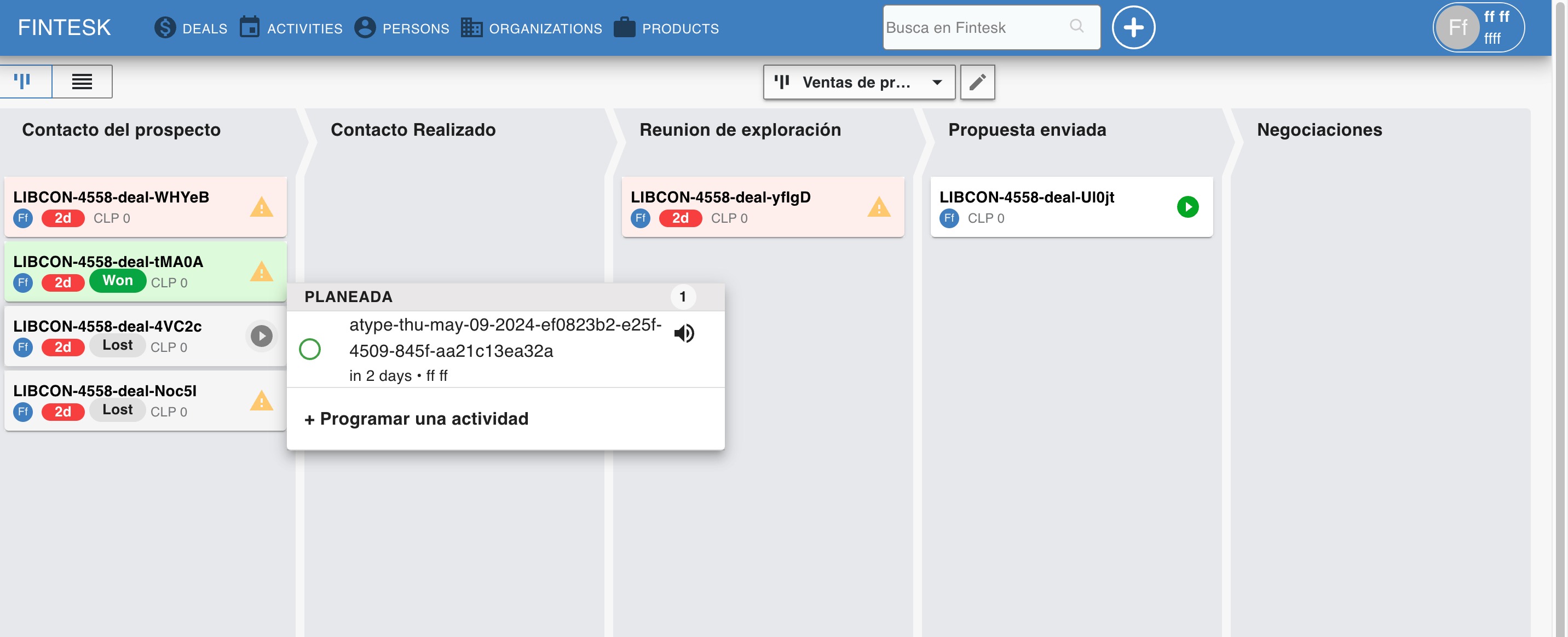
The “+ Deal” button
This button is found in your pipeline view and deal list view.
The "+" button
This option is located in your person or organization detail view under the deals section.
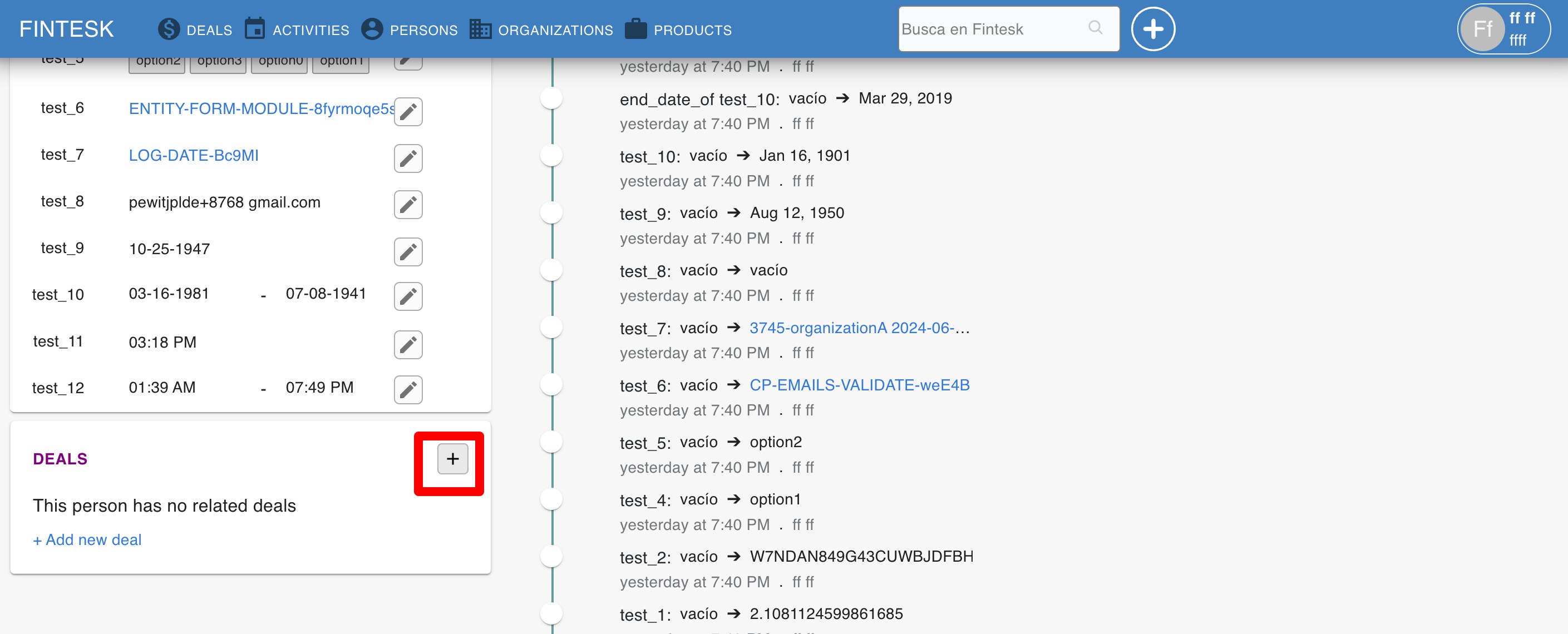
Note: To add a deal in this manner, the deal sidebar section must be visible.
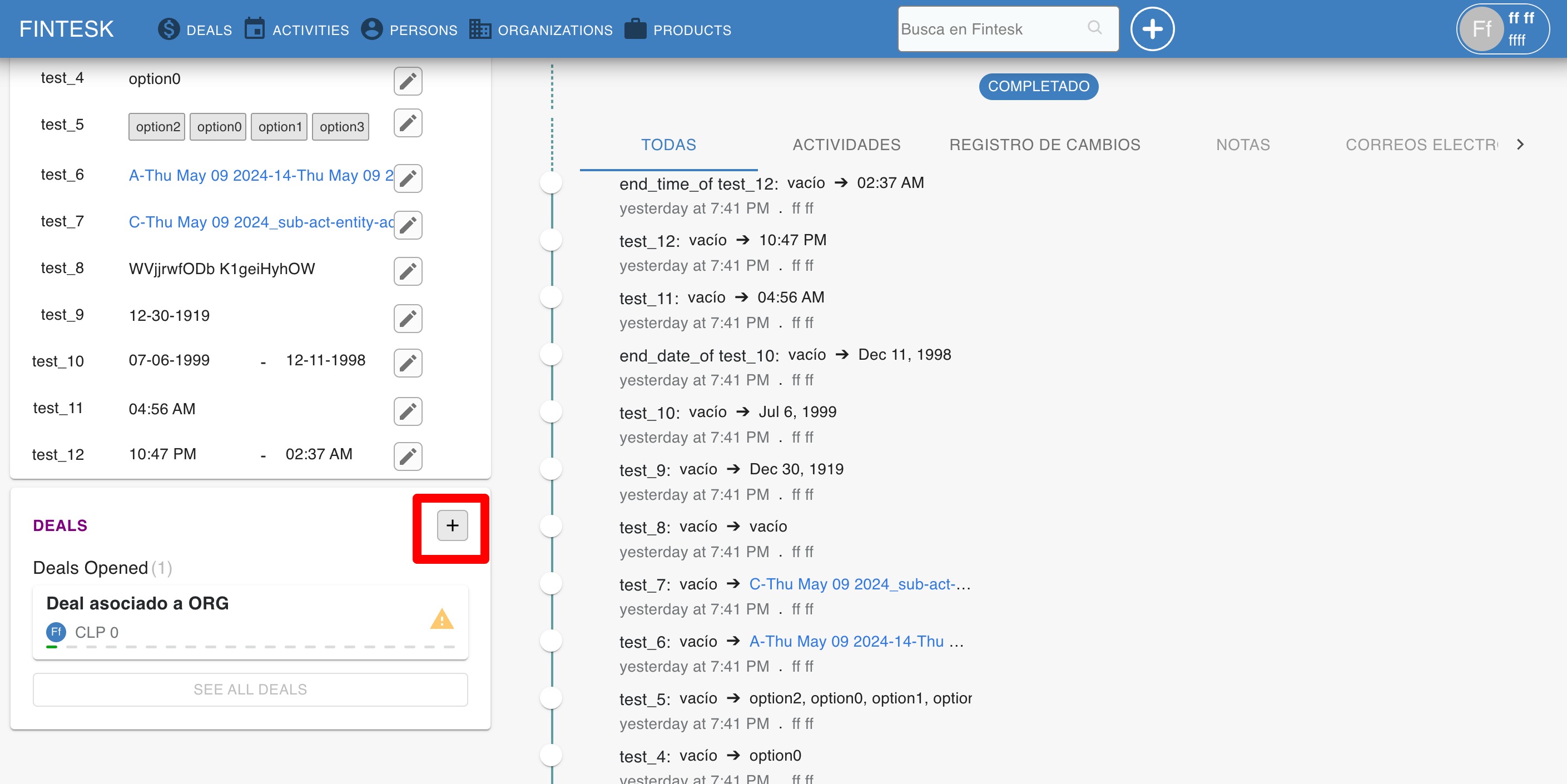
The “Add new deal” button
This option can be found in your person or organization detail view.
Adding deals in bulk
Note: To learn about importing data into your Fintesk account, look at this in-depth guide.
You can add multiple deals at the same time using the importing process.
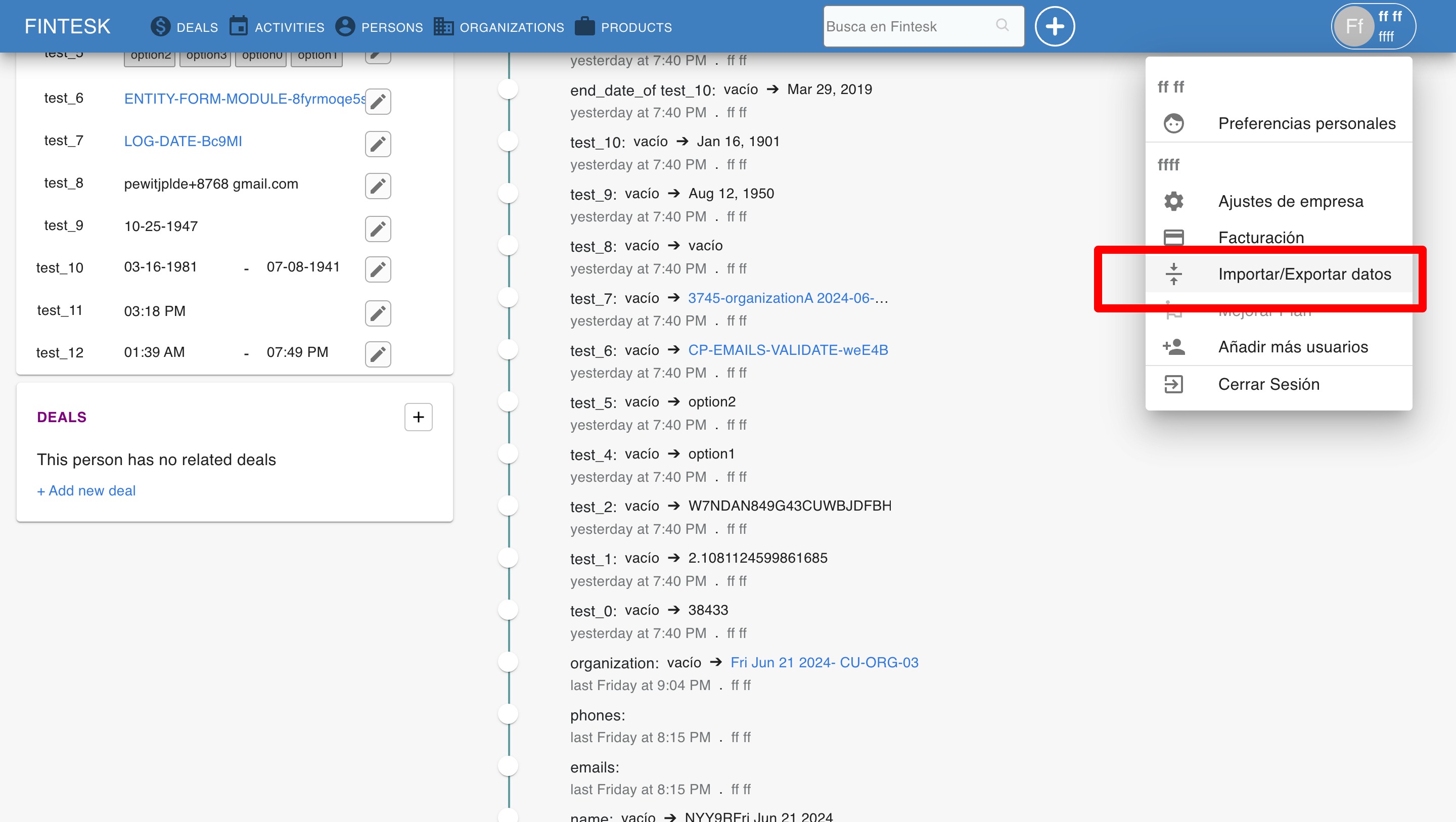
Start by going to “...”> Import data.
Make sure you have a column for deal name in the spreadsheet you’re importing, and map it to the field of the same name in Fintesk.
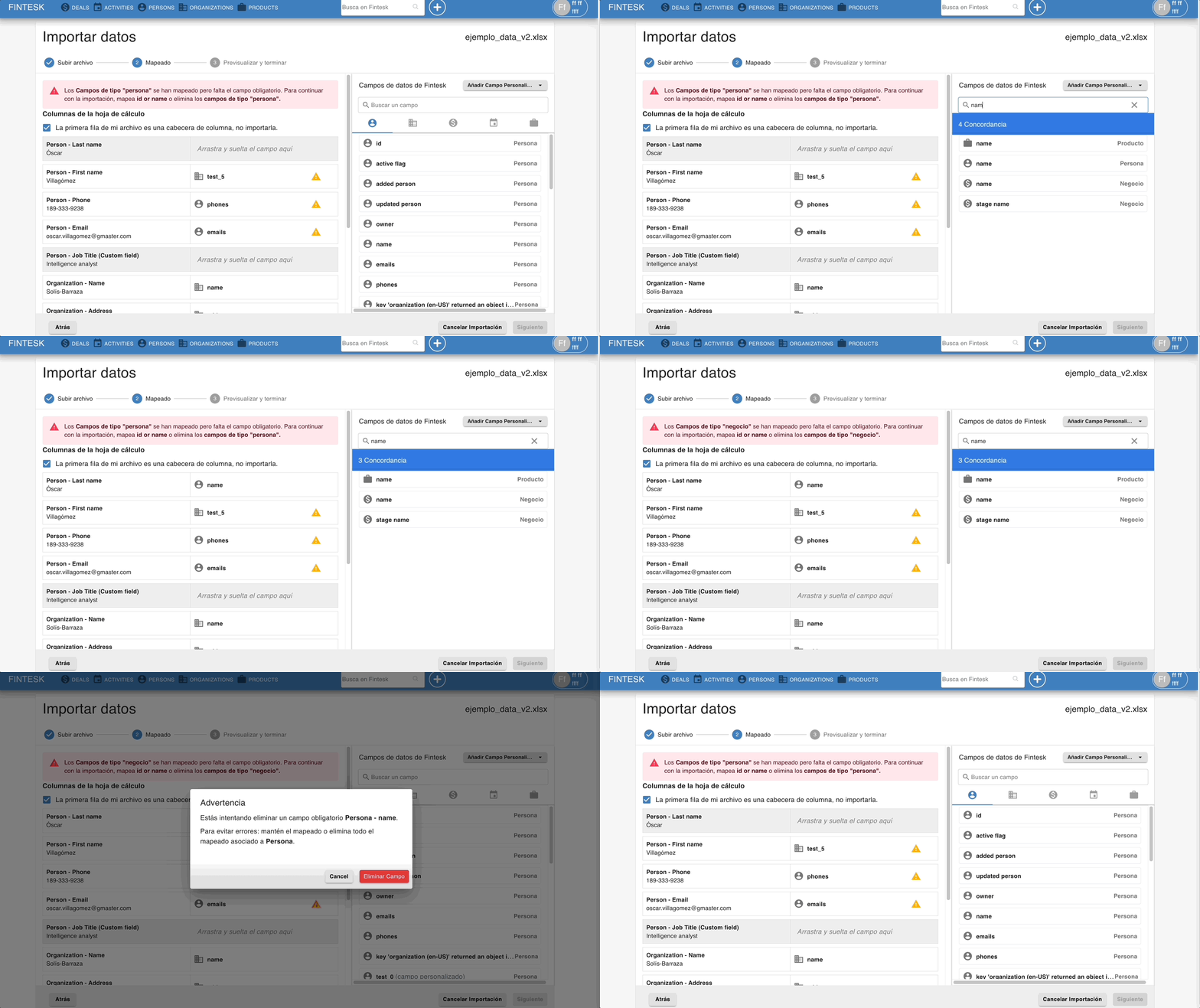
Note: We offer sample spreadsheets with data you can use to practice the importing process, which you can find on this page.